


Explore More ✅
Secure Your Premium Videos with Multi-DRM Encryption
Host your videos securely with VdoCipher and get a Video API, CDN, Analytics and a Dashboard to manage them easily.
What is Video Encryption & How Does it Relate to Video Protection?
If you upload a premium course video, a music video or a confidential corporate video, you don’t want unauthorized people watching it. Video encryption is the process of digitally securing your videos so they can’t be intercepted or viewed in transit. It is the base layer of video protection.
Anyone who tries to access an encrypted video gets an encrypted file, not the raw video. It only plays inside an authorized video player on your website or app. Free downloaders, browser plugins and unauthorized sharing on torrent sites, YouTube and Telegram cost businesses real revenue. With the right encryption protocol in place, you control exactly who can watch.
Key idea: Encrypting a video is the easy part. The real challenge is delivering the decryption key only to authorized players. If any software, plugin or hack outside your app can reach the key, your video can be downloaded, however strong the cipher is.
That is why the algorithm alone is not enough. Partial encryption of streaming content and open key exchange for decryption are the main flaws in most encrypted streaming technologies. Many freely available tools can download “encrypted” videos because of them. Let’s look at each technology in turn.
5 Types of Video Encryption Technologies: Pros & Flaws
Here are the most common video encryption techniques, starting from the most basic.
AES-128 Video Encryption
The Advanced Encryption Standard with a 128-bit key (AES-128) is a strong, widely trusted cipher. It is approved for protecting sensitive information and can’t practically be broken by brute force. Every serious video protection system, DRM included, uses AES-128 to encrypt the actual media.
Flaw: The cipher is strong, but the key has to reach the viewer’s device. With AES-128 alone, the key is delivered to the browser in a form a developer can inspect and retrieve. It’s like buying a state-of-the-art locker and leaving the key under the doormat. AES-128 by itself doesn’t guarantee security.
Read more: Why AES-128 alone is not fully secure, and how DRM fixes it
HLS Streaming & HLS Encryption (HLS-E)
HLS (HTTP Live Streaming) is an adaptive streaming protocol developed by Apple and now supported across most devices and browsers. HLS splits a video into small chunks instead of one continuous stream. Encrypting those chunks with AES-128 is called HLS Encryption, or HLS-E, and it is signaled in the playlist as #EXT-X-KEY:METHOD=AES-128.
Flaw: The HLS manifest contains a plain URL to the decryption key. Anyone who fetches that key can decrypt and redistribute every segment, and existing tools automate this. So HLS-E is not DRM-level content protection.
Read more: HLS encryption & HLS streaming explained
RTMP Streaming & RTMP Encryption (RTMPE)
RTMP was built to stream audio and video between Flash Media Server and Flash Player, mainly for live streaming. RTMPE wraps RTMP in a thin encryption layer. Adobe ended Flash support on 31 December 2020, so RTMPE playback in browsers is effectively dead. RTMP survives today mostly as an ingest protocol for sending live streams to a server, while delivery to viewers happens over HLS or DASH.
Flaw: RTMPE uses an anonymous Diffie-Hellman key exchange. The server can’t verify the player’s identity, which leaves the session open to man-in-the-middle attacks at the start. Tools like RTMPDump can capture these streams easily.
Read more: RTMPE streaming: how secure RTMP works and where it fails
Common Encryption (CENC / CBCS) with Clear Key
MPEG Common Encryption (CENC) is a standard format for encrypting MP4/CMAF video once so it can play under several systems. It comes in two schemes: cenc (AES-128 in CTR mode) and cbcs (AES-128 in CBC mode with pattern encryption). You can play CENC content in browsers with “Clear Key”, a basic key system built into the browser’s Encrypted Media Extensions (EME) API.
Flaw: With Clear Key, the key is sent to the browser as plain JSON and decryption happens in normal JavaScript-accessible memory. The packaging is modern, but key delivery is just as open as AES-128. CENC only becomes secure when a real DRM system delivers the key.
DRM Encryption (Widevine, FairPlay, PlayReady)
DRM (Digital Rights Management) uses the same AES-128 content encryption and adds a secure key exchange on top. The key is wrapped for one specific, authenticated device and is only unwrapped inside a protected module (the CDM) or secure hardware, never in code you can inspect.
Why it works: The content key never reaches the browser or app in a usable form. That closes the gap every other method leaves open. Tools like Video DownloadHelper, RTMPDump, youtube-dl/yt-dlp and HLS fetchers that break the first four methods can’t pull the key from a DRM stream.
Video Encryption Comparison Table
| Technology | Content cipher | How the key reaches the player | Easy to download? | Status today |
|---|---|---|---|---|
| AES-128 | AES-128 | Fetched by the player, readable in the browser | Yes | Basic protection only |
| HLS-E | AES-128 (whole segment) | Plain key URL in the manifest | Yes | Widely used, not DRM |
| RTMPE | RC4-based stream encryption | Anonymous Diffie-Hellman, unauthenticated | Yes | Obsolete since Flash ended (2020) |
| CENC + Clear Key | AES-128 CTR / CBC | Sent as plain JSON to the browser | Yes | Mostly for testing |
| Multi-DRM | AES-128 CTR / CBC | Wrapped per device via RSA/ECC and decrypted inside a CDM or secure hardware | No | Industry standard (Netflix, Prime Video, etc.) |
What is DRM Encryption & How Does it Compare to AES-128 and HLS-E?
AES-128, HLS-E and RTMPE share one weakness: the key exchange is never truly hidden. DRM encryption doesn’t replace AES-128. It’s a stack of cryptographic layers built on top of it, and each layer protects the key at a different stage. The content cipher is still AES-128. The security comes from asymmetric key delivery (RSA or ECC), per-device key wrapping, hardware-backed decryption, and output protection.
Three DRM systems cover almost every device, and a multi-DRM setup uses all of them on one encrypted file:
| DRM | Devices & browsers | Key exchange | Security levels | Key storage |
|---|---|---|---|---|
| Google Widevine | Chrome, Firefox, Edge, Android, Android TV, Chromecast | RSA-2048 | L1 (hardware), L2, L3 (software) | TEE on L1, white-box crypto on L3 |
| Apple FairPlay | Safari (macOS, iOS, iPadOS), iOS apps, Apple TV | Apple-issued RSA certificate + AES | Hardware-backed | Apple Secure Enclave |
| Microsoft PlayReady | Edge on Windows, Xbox, many smart TVs | ECC P-256 | SL3000 (hardware), SL2000 (software) | Hardware-backed on SL3000 |
1. Google Widevine DRM Video Encryption
Google controls or partners on the browser for desktop playback (Chrome directly, Firefox and Edge through partnerships) and controls the OS on Android. That lets it hide the key exchange at the browser or OS level. On devices with Widevine L1, keys and decoded frames stay inside a Trusted Execution Environment that the OS, other apps and screen recorders can’t read.
Widevine DRM with DASH streaming on the web and ExoPlayer/Media3 in Android apps gives the strongest protection across the Google ecosystem.
How can you use Widevine DRM on desktop and Android websites and apps?
VdoCipher is a direct Google partner for Widevine DRM. It offers Widevine DRM, AWS hosting and a secure player as one package. Every plan, including the free trial, comes with Widevine DRM pre-integrated. More on Google Widevine DRM
2. Apple FairPlay DRM Video Encryption
Apple controls both the hardware and the OS on Mac Safari and iOS (browsers and apps). Unlike Google, Apple makes the hardware, so its control is even stricter. FairPlay keys are protected by the Secure Enclave, and FairPlay-protected video goes black in screen recordings on iOS Safari, Mac Safari and iOS apps.
FairPlay with HLS streaming uses SAMPLE-AES encryption in CBC mode. On the web and in iOS apps, it gives the strongest encryption on Apple devices plus screen-capture blocking.
How can you use Apple FairPlay DRM on iOS and Mac Safari?
VdoCipher runs a ready-to-use FairPlay key server module that complies with Apple’s FairPlay infrastructure. Apple requires the content owner or distributor to apply to Apple directly for a FairPlay license. VdoCipher then integrates that license into your account, guides you through the application, and handles the full technical integration. More on Apple FairPlay DRM
Explore More ✅
Protect Your Videos with Hollywood-Grade Multi-DRM
Popular LMS platforms use VdoCipher to protect their video content with Google Widevine and Apple FairPlay DRM.
How DRM Encryption Works: The 4 Cryptographic Layers
DRM encryption is a stack of at least four cryptographic layers, not a single step. Each layer covers a different moment in a video’s life, from packaging to the pixels on screen.
| Layer | What it does | Technology |
|---|---|---|
| 1. Content encryption | Encrypts the media samples when the video is packaged | AES-128 in CTR (cenc) or CBC (cbcs) mode |
| 2. Device authentication | The player’s CDM proves its identity and requests a license | RSA-2048 (Widevine), ECC P-256 (PlayReady), RSA + AES (FairPlay) |
| 3. Key wrapping | The license server re-encrypts the content key for that one device | Server-side key wrapping, sent over TLS |
| 4. Device decryption & output | Unwraps the key in secure hardware and protects the display link | TEE / Secure Enclave + HDCP |
Step-by-step: from packaging to playback
PackagingThe packager encrypts every video sample with a 16-byte AES Content Encryption Key (CEK).
Key exchange with the DRM providerThe CEK, its Key ID (KID) and the DRM headers (PSSH) are exchanged securely, usually over the CPIX protocol.
ManifestThe DASH or HLS manifest carries only the KID, scheme and PSSH. These are pointers, never the key itself.
License requestThe browser or app calls EME generateRequest, and the CDM builds a signed license request.
AuthorizationThe request travels over TLS with a short-lived token (for example a JWT) that proves the viewer is allowed to watch.
License deliveryThe license server validates the token and returns the CEK wrapped for that specific device. The key is never sent unwrapped.
Secure decryptionThe key goes into the TEE or secure key store and stays there as an opaque handle. Decoded frames sit in protected memory on hardware levels.
Display outputHDCP encrypts the link to the monitor or TV. The license only sets the minimum HDCP level required.
CENC vs CBCS: the two encryption schemes
| Scheme | Algorithm & mode | What gets encrypted | Typical use |
|---|---|---|---|
| cenc | AES-128 CTR | The full protected range of each sample | Widevine and PlayReady (DASH) |
| cbcs | AES-128 CBC with pattern | A dense 1-in-10 block pattern (about 10% of data) | FairPlay, and increasingly all three DRMs on one CMAF file |
Both schemes use the same 128-bit key strength. The cbcs pattern is chosen for decoder performance, not as a security trade-off. Because the encrypted blocks are spread densely and video frames depend on each other, the unencrypted 90% can’t be decoded into anything watchable.
Common DRM Encryption Myths
| Myth | Reality |
|---|---|
| “DRM is just AES-128” | The content cipher is AES-128. The security comes from asymmetric key delivery (RSA/ECC), the TEE, and HDCP. |
| “The key is in the manifest” | The manifest holds only the KID, IV, scheme and PSSH. These are pointers, not the key. |
| “CBCS is weaker than CENC” | Both use 128-bit keys. The pattern is a performance choice. |
| “10% encrypted means 90% watchable” | Dense encryption plus inter-frame dependencies make partial decoding useless. |
| “HDCP is part of the DRM license” | HDCP is separate display-link encryption. The license only signals the minimum HDCP level. |
| “Encryption and watermarking are the same” | Encryption stops access. Watermarking identifies who leaked content after access. They work together. |
What Encryption is Used by VdoCipher?
VdoCipher encrypts every video with AES-128 and delivers it through multi-DRM: Google Widevine on Chrome, Firefox, Edge and Android, and Apple FairPlay on Safari and iOS. On top of DRM, it adds layers that encryption alone can’t provide:
- Dynamic watermarking that overlays viewer details such as name, email or IP to discourage screen recording and trace leaks.
- Short-lived, per-viewer playback tokens so embed codes can’t be copied to another site.
- Secure players for web, Android, iOS and Flutter, plus a Video API for your LMS or app.
- AWS-backed hosting and CDN for fast adaptive-bitrate playback worldwide.
DRM video encryption is generally not a DIY project. It needs license servers, device-specific integrations, and Apple and Google approvals. VdoCipher provides this as ready-to-use video encryption software for e-learning and media businesses. See the full comparison of DRM and non-DRM video encryption.
Conclusion
Every serious video encryption method uses AES-128. What sets them apart is how the key gets to the player. AES-128, HLS-E, RTMPE and Clear Key all expose the key somewhere along the way, so downloaders can break them. DRM encryption wraps the key per device and keeps it inside secure hardware, which is why it is the standard for protecting premium video. Choose the technology that fits the security your content needs. For paid courses, films or confidential video, that means secure video hosting with multi-DRM.
FAQs
Why is video encryption important?
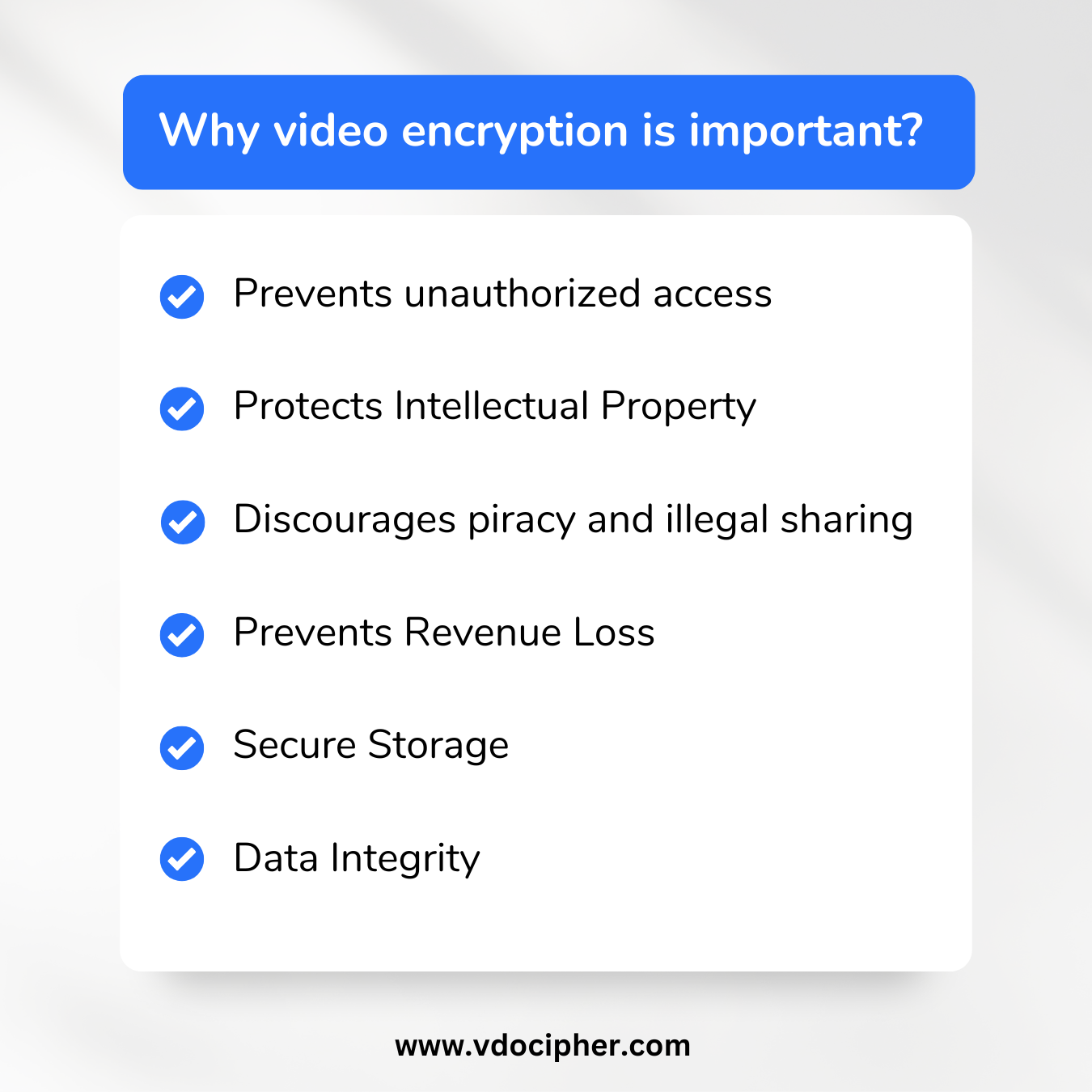
Video encryption protects sensitive information, intellectual property and copyrighted material. Without it, unauthorized people can steal or alter content, which leads to financial loss and privacy breaches.
How does video encryption work?
Video encryption uses cryptographic algorithms, usually AES-128, to convert video data into an unreadable format. Only a player with the correct decryption key can turn it back into viewable video. DRM adds a secure way to deliver that key only to authorized devices.
What is the difference between DRM and AES-128 encryption?
Both encrypt the video with AES-128. With plain AES-128 or HLS-E, the key is delivered to the browser in a readable form, so it can be extracted. DRM wraps the key for each authenticated device and decrypts it inside a protected module or secure hardware, so the key is never exposed.
How does video encryption affect video quality?
Proper encryption doesn’t reduce video quality. The video looks exactly the same after decryption as before encryption. The license request can add a small delay at startup, depending on the key exchange method.
Is encrypting video files enough to secure them?
Encryption is the main tool, but full security also needs DRM for secure key exchange, watermarking, token-based access and a secure video player. VdoCipher provides all of these to more than 3000 customers in over 120 countries.
How do platforms like Netflix or Amazon Prime Video keep their videos secure?
Netflix and Amazon Prime Video combine video encryption, multi-DRM (Widevine, FairPlay and PlayReady), token-based authentication and adaptive bitrate streaming to protect and deliver their content efficiently.
What is an encrypted video player?
An encrypted video player is software designed to play encrypted video. It decrypts the video in real time during playback and makes sure only authorized users can watch, which protects the content from unauthorized access, copying and sharing.