
Want to Play a Video Locally in Your Browser?
Select a video file from your device. It will play locally in this browser tab (no upload, no bandwidth, totally free). You can also add subtitle file.
Online Video Player Basics
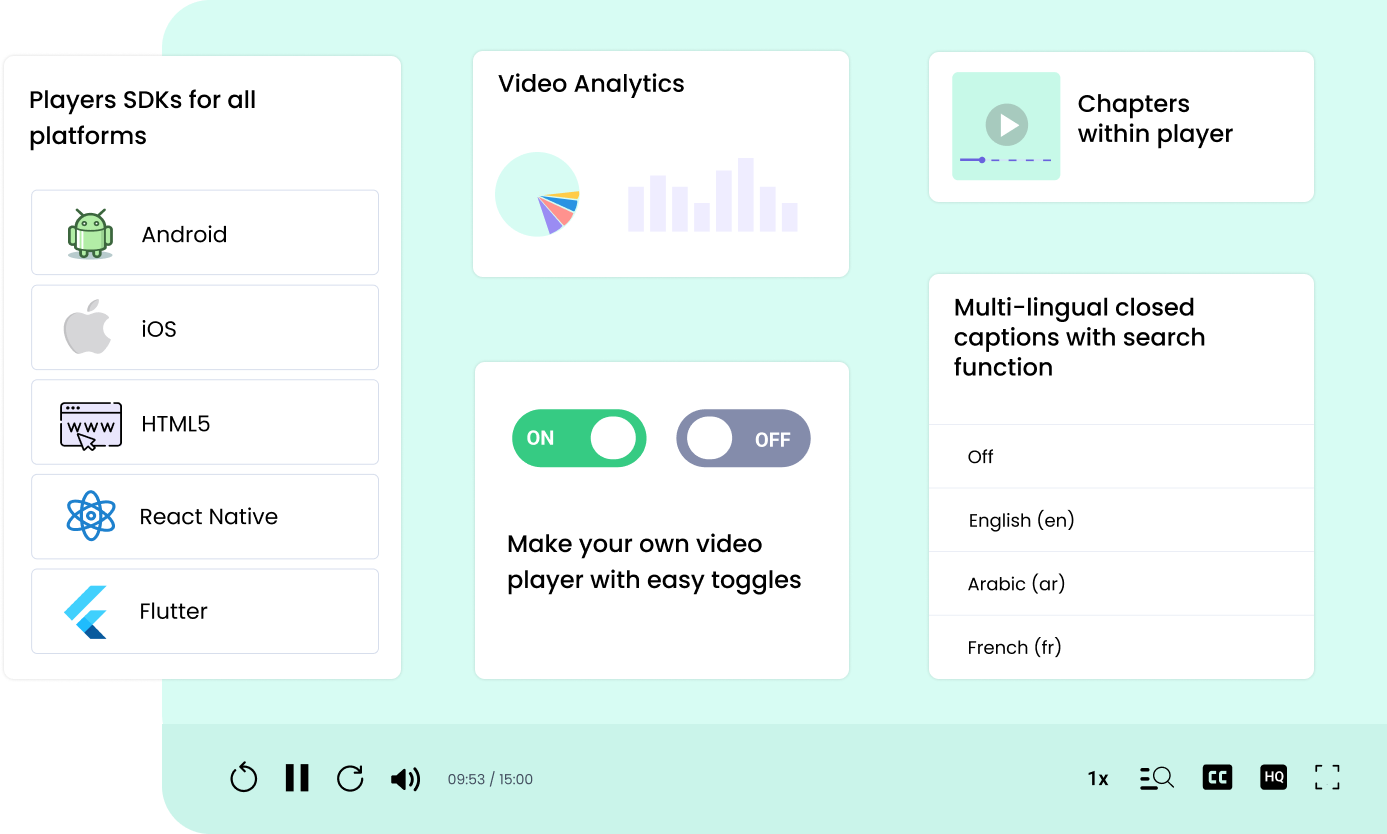
Online Video Player is a combination of library of JavaScript that builds HTML controls over the top of the HTML5 video element and player SDKs for iOS, Android, Flutter, etc. This provides a uniform look between different browsers and devices.
HTML5 online video players allow you to play video online directly in a web browser without the use of additional plugins. Some time ago, we used to install a Flash media player to stream videos on websites. But, HTML5 video players offer an easy way to integrate native video players on your website. While you can still embed YouTube videos, propriety online video players a more handy way to showcase videos to your visitors, whether you are a personal trainer creating exercise demo videos or a course creator making educational videos.
Must have Features to look for in Player
| Video Format & Codec Support | Adaptive Bitrate (ABR) Streaming |
| Multi-Device & Cross-Browser Compatibility | Playback Controls |
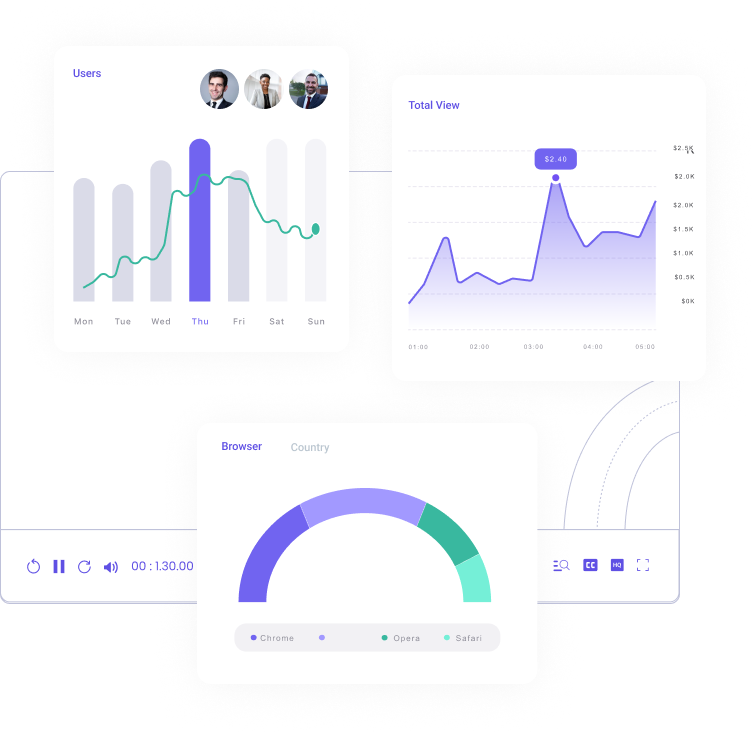
| Analytics & Insights | Security Features (Super Important) |
| Offline Playback | Chapters & Course Navigation |
| Add CTA or Custom HTML over player | Display Forms or Quizzes |
| Multilingual Captions with Search | Compatible with Chromecast and Airplay |
| Mobile Video SDKs for all Platforms | Customizable Player UI |
| Dynamic Watermarking to Deter Screen Capture | Keyboard shortcuts |
| Player Performance & Loading Speed | Gestures Support |
Best Online Video Media Players
VideoJS Video Player
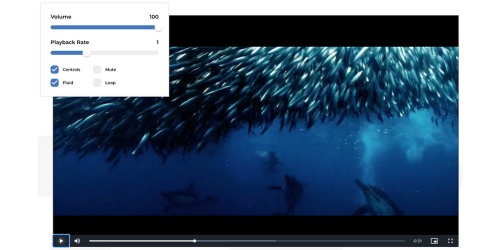
Video.js is a popular open-source HTML5 player known for its flexibility and plugin ecosystem. It supports all standard formats (MP4, WebM, etc.), and adaptive streaming via plugins for HLS or DASH. The player ensures broad cross-browser compatibility, even shimming HTML5 video for older IE versions. Out of the box it provides basic controls (play/pause, fullscreen, etc.) and caption/subtitle support, and it can be extended with many plugins. For example, plugins enable Google Analytics event tracking, Chromecast casting, additional playback controls, and custom skins/branding on the control bar. UI customization is a strong suit: developers can style the player with CSS or choose from community skins. Video.js is lightweight and responsive, making it perform well on both mobile and desktop. It has a large community and extensive documentation.
Pros:
- Completely free and open-source, with a vast community and many third-party plugins for ads, analytics, and more.
- Highly customizable and extensible – you have fine control over UI/behavior and can add features as needed.
- Good cross-platform support and backward compatibility fixes, ensuring reliable playback across browsers.
Cons:
- Lacks certain advanced features out-of-the-box – for instance, DRM support and advanced monetization must be custom-integrated (not provided by default).
- Requires developer effort to implement and maintain plugins; no official support (community support only).
- Fewer built-in “premium” features (like detailed analytics or ad workflows) compared to commercial players – these must be added with additional libraries.
Kapwing Online Video Player
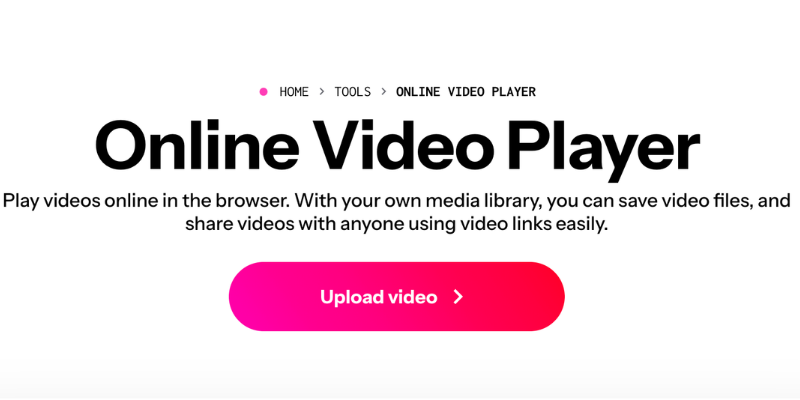
Kapwing Online Video Player is a browser-based video viewer that lets you play videos online by uploading a file or pasting a video link. It is designed for quick viewing and sharing, and it is tightly integrated with Kapwing’s workspace flow, so teams can keep media in a central library, share watchable links, and optionally move straight into basic editing without switching tools. It is best suited for creators or teams who want a “play + share + iterate” experience in one place instead of using a standalone desktop player.
Pros:
- Plays videos directly in the browser from uploads or URL links, without installing any software.
Cons:
- Cloud-based usage typically means your video is uploaded first, so playback depends on internet speed and upload time.
- It is a web tool experience, not a developer SDK, so deep player customization and embedding control are limited.
Simple Video Player (Browser Local Player)
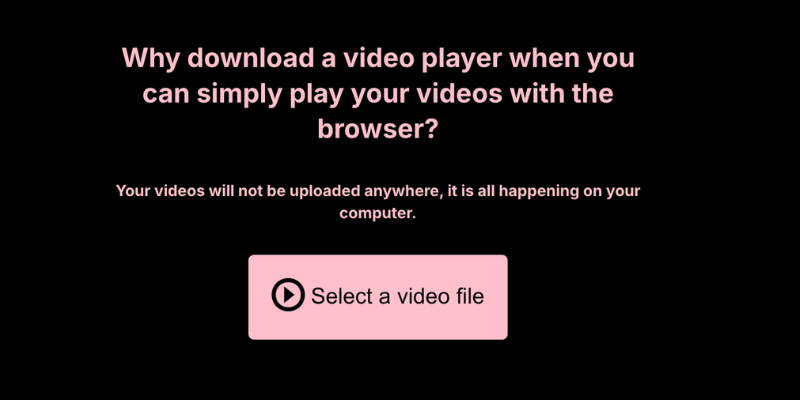
Simple Video Player is a minimal browser-based video player just like the one on top of this page built specifically for playing local video files on your computer.
Pros:
- Privacy-friendly for local playback: you can watch local files in the browser without relying on an installed player.
- Fast and lightweight, ideal for quick playback and testing subtitle files.
Cons:
- Not intended for hosting, sharing links, or embedding as a customizable player on your own website.
- Focused on local files, so it is not positioned for streaming pipelines (HLS/DASH packaging, CDN delivery, etc.).
VideoCandy Online Video Player
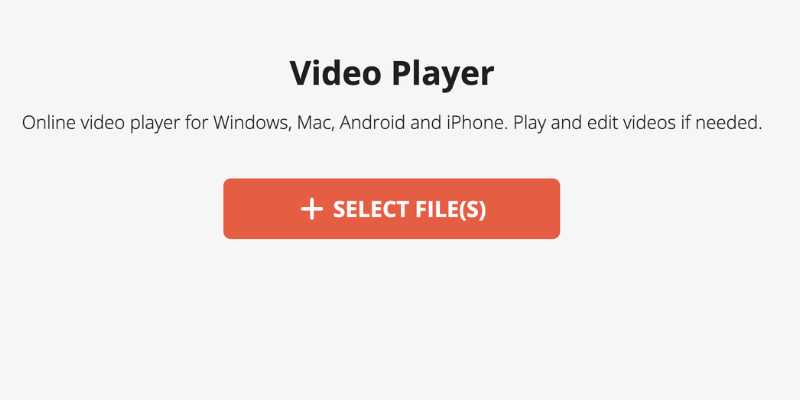
VideoCandy Video Player is an online video viewer that runs directly in the browser and supports a wide range of common formats (including MP4, MOV, WebM, and MKV). Beyond playback, it is positioned as part of a broader “online video tools” suite, so users can move from viewing into simple editing utilities like trimming, merging, resizing, or compressing. It is a good fit for one-off playback needs, quick format checks, and lightweight edits without installing desktop software.
Pros:
- Browser-based playback with support for multiple popular formats, including MKV.
- Convenient extras: it sits alongside basic editing tools like trim, merge, resize, and compress.
Cons:
- Online playback typically requires uploading files first, so it depends on connection speed and file size.
- More of a “viewer + tools” website than a programmable player framework for developers to customize deeply.
Flowplayer
Flowplayer is a performance-focused HTML5 video player that offers a mix of open-source core and commercial enhancements. It supports MP4 and modern streaming formats like HLS and DASH for adaptive bitrate playback. The player is highly customizable: you can tailor the UI, and it supports third-party plugin integrations. (desktop and mobile) and allows unlimited player instances per page.
Pros:
- Fast and lightweight player that emphasizes speed and smooth playback, even with many instances or live streams.
- Out-of-th
Cons:
- The full feature set (including some streaming and analytics features) requires a paid license; no unlimited free version for commercial use.
- Lacks certain advanced DRM features by default (it doesn’t natively handle DRM encryption; secure streaming must be implemented externally).
Projekktor
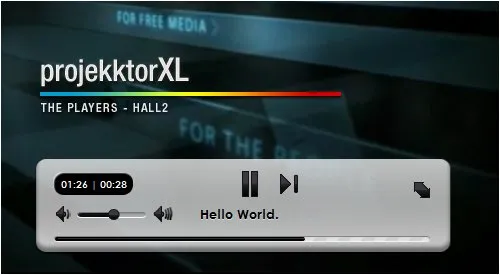
Projekktor is an open-source HTML5 video player that was designed to handle cross-browser compatibility gracefully. Projekktor is themeable and customizable, allowing developers to adjust its appearance easily via CSS/skins. It offers all basic controls and supports playlists, and was known for its impressive aesthetics and consistent, reliable performance in its heyday.
Pros:
- Excellent compatibility across old and new browsers – it seamlessly handles many edge cases (formerly including Flash/Silverlight fallback for older browsers).
- User-friendly behavior and UI that can be themed; Projekktor was praised for its visually appealing default skin and ease of use for end-users.
Cons:
- Projekktor has not seen significant updates in recent years, which may lead to compatibility issues with newer devices or lack of support for the latest streaming formats and DRM.
- With Flash now obsolete, the fallback aspect is less relevant; meanwhile, newer HTML5 features (like modern text tracks or enhanced UI controls) may not be fully supported due to its age.
jPlayer
jPlayer is a free, open-source media library for jQuery that enables cross-platform audio and video playback on websites. It provides a JavaScript API for controlling playback (play, pause, volume, etc.) and for hooking into events. Because it’s essentially a framework, the UI/controls are skinnable – there are some default skins, but developers can create their own or integrate it into custom HTML. jPlayer’s strength historically was its extensibility and the active community that built solutions around it. It supports playlists (there is an add-on for playlist management) and remains a lightweight solution for integrating media, especially in sites already using jQuery.
Pros:
- Lightweight library with no cost, easy to integrate if you are already using jQuery on your site.
- Supports both audio and video uniformly, making it a good choice if you need a single library for media playback.
Cons:
- Relies on jQuery, which in modern development is a downside if you’re not otherwise using jQuery (it adds extra weight and an additional dependency).
- jPlayer’s development has slowed, and its latest release is a few years old – meaning no built-in support for newer features like DASH, HLS, or modern DRM.
Plyr

Plyr is a simple, modern HTML5 media player known for its minimalistic design and ease of use. This player emphasizes accessibility: it fully supports VTT captions, screen readers, and keyboard controls. The UI is responsive and adapts to any screen size, and developers can customize it via CSS or a straightforward API. Plyr provides standard controls (playback, volume, fullscreen, etc.) and allows some feature extensions, but it deliberately avoids bloat.
Pros:
- Very lightweight and fast, which improves loading speed and performance for websites.
- Clean, user-friendly interface that is responsive and accessible (caption and screen reader support).
Cons:
- Fewer built-in features compared to larger players – no native plugin system for things like advanced analytics, ads, or DRM.
- Some advanced functionalities (e.g. multi-bitrate streaming or caption styling) may require manual integration or additional libraries, since Plyr keeps things minimal.
MediaElement.js

MediaElement.js is a robust open-source HTML5 media player library that focuses on unifying the playback experience across browsers. It allows you to use the HTML5 < video > (or < audio >) tag with a single source and will gracefully fall back to Flash (previously Silverlight as well) when a browser doesn’t support a given codec or HTML5 feature. It is also highly extensible: a range of plugins exist (for Chromecast support, analytics, etc.), and it’s the default media player library for platforms like WordPress.
Pros:
- Wide format and browser support – by including fallback shims, it maximizes playback compatibility (formerly even supporting IE9+ with Flash).
- Unified HTML5 API: you write one code set to control playback, and MediaElement handles differences in the background.
Cons:
- Slightly heavier footprint than very minimal players, due to including fallback code and multiple features by default (though recent versions allow modular imports).
- If not using legacy browser support, some code may be unnecessary – modern projects might consider it overkill if only targeting HTML5-supporting browsers.
JW Player
JW Player is a long-established commercial video player that offers a rich set of features suitable for enterprise use. It supports all major formats and streaming protocols, including HLS and MPEG-DASH for adaptive streaming. JW Player has broad device support and provides mobile SDKs, so you can deliver content on web, iOS, Android, etc., with a consistent experience. The player is highly customizable with JavaScript APIs and supports custom skins/themes. It includes a complete suite of playback controls and UI elements out-of-box, as well as more advanced features like picture-in-picture and casting.
Pros:
- High-performance player capable of handling large scale audiences and long video libraries; known reliability and buffering optimizations (provides “buffer-free” playback in many cases.
- Excellent developer support, with a well-documented API, SDKs for native apps, and a supportive company behind it. Plugins available for popular CMSs make integration easier.
Cons:
- Free version limitations: The free tier of JW Player is quite limited (caps on hosting/streams and features, plus it displays JW branding). Many advanced features require a paid license.
- Pricing can be high for full enterprise capabilities, and the licensing model may restrict usage (e.g., number of plays or domains on lower plans). Precise pricing is only available via sales (indicative of enterprise focus).
Kaltura Player
Kaltura video player Kaltura Player is part of the open-source Kaltura Video Platform, geared especially towards education and enterprise. It’s a fully-featured HTML5 player that supports a wide array of formats and streaming protocols (including HLS for live and VOD). The player emphasizes accessibility (caption support, screen reader friendly controls) and offers robust performance and stability for long-form videos and large audiences.
Pros:
- Extensive features and integrations – from ads and analytics to LMS integration, it’s built to cover most use cases out-of-the-box.
- Great for educational or enterprise needs: supports things like captioning for accessibility, multi-language audio, and plugins for engagement (quizzes, annotations) via Kaltura’s tools.
Cons:
- Complex setup if you’re not using Kaltura’s hosted services – deploying the whole platform for just the player can be heavy. Using the player standalone is possible, but many features shine only when paired with Kaltura’s backend.
- Kaltura’s focus is more on content management and internal use cases, so it lacks some turnkey monetization features (e.g., easy paywalls) – a noted drawback is the lack of built-in revenue-generation options compared to platforms like JW or Dacast.
THEOplayer
THEOplayer is a premium HTML5 video player geared towards professional streaming with emphasis on reliability and broad device support. It handles all modern formats with adaptive streaming (both HLS and MPEG-DASH), including low-latency streaming (pioneering support for Apple LL-HLS). THEOplayer offers multi-DRM content protection (Widevine, FairPlay) and additional security features like domain whitelisting and geoblocking. It provides extensive SDKs for web, mobile, and even smart TVs, allowing integration into various platforms. The default UI is sleek and can be branded or customized; the player supports captions, multiple audio tracks, chapter markers, and all standard controls.
Pros:
- Strong security support with multi-DRM and content protection options to safeguard premium content.
- Rich feature set: ABR streaming, captioning, ad insertion, analytics, and even offline download capability via mobile SDKs.
Cons:
- Cost is a barrier for small projects – THEOplayer is a paid solution and is considered on the higher end of pricing.
- Limited or no free tier; even trial versions may have feature limitations, so full functionality requires enterprise licensing.
Looking for Secure Online Video Player?
VdoCipher Video Player
VdoCipher is a commercial player focused on secure streaming. VdoCipher provides support for .ogv, .mp4, .avi, .mpg, .mpeg, .mov, .wmv, .3gp, .flv, .webm, .mkv, .mp3, and .m4v format with adaptive bitrate (ABR) streaming for multiple quality options. It works across devices and browsers with a responsive design, and offers multi-lingual subtitle support and standard playback controls (including forward/rewind). The player is highly customizable, allowing custom themes, branding, and control layouts via a GUI editor. A standout feature is its strong security: all videos are protected with DRM encryption technology (Widevine/FairPlay) to prevent unauthorized access. VdoCipher also supports dynamic watermarking (overlaying user information on video) to deter screen recording. Developer integration is facilitated through APIs and a WordPress plugin, and basic analytics (like view counts) are available via its platform. However, offline playback is mainly supported through its mobile SDK (for DRM-protected downloads) rather than in-browser.
Pros:
- All above listed features.
- Robust content security with DRM encryption and watermarking.
- Customizable UI with theming and branding options, plus multi-language subtitles.
- Cross-device compatibility with responsive design and well-documented SDKs.
- Full ABR streaming support and multi-quality streams for varying bandwidth.
Cons:
- Requires a paid platform subscription (only free trial), and is tied to VdoCipher’s hosting ecosystem.
- Offline viewing is not available on web (only via mobile SDK), and there is no built-in playlist/course module (playlists must be handled via API logic).
Open-Source vs Propriety Media Player
Cost
Open-source online video players are free for you to use. You can even evaluate and review their source code.
Propriety media players often come at a premium price. But you’d get a lot of options of features and integrations which would otherwise take considerable development cost on your end.
Bugs
Popular open-source solutions tend to have fewer bugs and faster fixes because of the community support they come with.
For propriety solutions, you can reach out to the team concerned and let them fix the problem for you. This is why before choosing a propriety solution you should check if they have good customer support.
Customization
Open-source products have a high potential for customization. Almost everything you see is customizable, so the tool can be tailored to meet your unique needs. You get access to free and instant support from a global community of developers and enthusiasts who are more than happy to assist the users of their solution.
For propriety online media players, you may not get much control over the customization as you’re buying the finished product. But these often come preloaded with features and themes which will make it much easier to tinker with.
Support
With open-source HTML5 video players, you get minimal support, documentation, wikis, newsgroups, and email lists, and no option for support tickets whenever you face a glitch.
With propriety online media players, you get the support of the team you bought the services from. They’ll take care of your issues without the hassle of going through multiple documentation, videos, etc. This is ideal for people who are not tech-savvy or have low bandwidth.
Evolution of Online Video Players
| Era | Security | Performance | Streaming | Industry Adoption |
|---|---|---|---|---|
| Early Media Players (1990s) | No encryption, easily copied | High CPU usage, slow | Local playback only | Used for offline DVDs & media |
| Flash Player Era (2000s) | Vulnerable, frequent updates | High CPU, slow loading | No adaptive streaming | Standard for early online videos, later declined |
| HTML5 Players (2010s) | Secure, DRM integration | Optimized, lower power use | Adaptive streaming (HLS, DASH) | Became the web standard |
| Adaptive Streaming (2015+) | DRM (Widevine, Fairplay) | Low latency, HD playback | Cloud, multi-bitrate | Widely adopted by major platforms |
| DRM & Security Boost (2020s) | DRM, piracy tracking | Ultra-low latency | Multi-DRM encryption | Enterprise-grade security |
FAQs
Is open-source better than commercial players?
Open-source players (like Video.js, Plyr, MediaElement.js) are flexible and free, but require more hands-on work. Commercial players (like VdoCipher, THEOplayer, JW Player) offer turnkey features, support, and security, at a cost.
What are some of the benefits of using an Online video player?
Custom HTML5 video players are that they are typically faster and more lightweight than other video players, they can be customized to match the look and feel of your website, and support a variety of video formats.
What is the need for an HTML5 video player?
HTML5 is the newest version of the HTML standard, and it includes new features that allow video to be played natively in web browsers. Video files are typically encoded in the H.264 or WebM format, and HTML5 video players will usually support both of these formats.